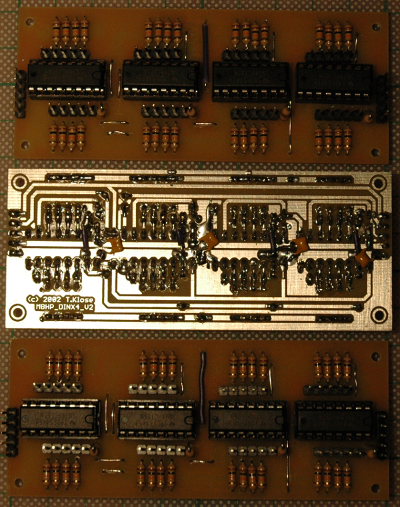
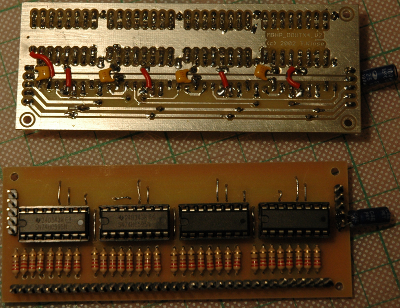
Après les deux modules de sortie, voici les trois modules d’entrée terminés. Il ne reste plus qu’à connecter les LEDs et boutons pour construire l’interface de contrôle !
Categories
MIDIbox MBHP_DOUTx4 (x 2)
Le MIDIbox SID avance tout doucement: les deux modules de sortie sont terminés :
AdBlock filter lists block WP Slimstat plug-in, so don’t forget to enable it in your white list if you use it in your blog.
Otherwise, you won’t get graphics in the statistics reports.
Jack-DBus uses /dev/shm to communicate. So, if you need to do JACK audio through chroots, don’t forget to mount /dev/shm in the chroot.
Don’t use underscore for printer names with CUPS. Print sharing, especially through IPP on Windows don’t like them.
Après quelques semaines de frustrations diverses (mon niveau de dextérité n’était pas suffisant pour souder correctement, et la puce “SID” que j’avais gardée en relique ne fonctionnait pas), je suis arrivé à la première étape fonctionnelle : un MIDIbox SID minimal avec un MOS SID 6581, un écran, un BankStick. Et ça sonne du tonnerre !
Je vous épargne les démos pour le moment : il y a plus qu’assez de vidéos sur Youtube montrant les presets du MIDIbox SID.
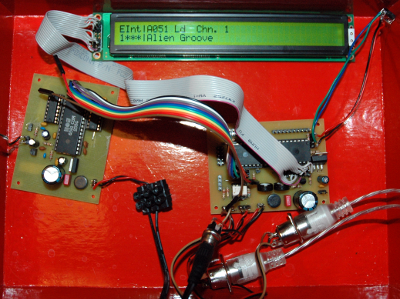
La suite des opérations prendra un peu de temps : élaboration de la surface de contrôle (plusieurs dizaines de LEDs et de boutons), acquisition d’une autre puce SID, et montage du tout dans un boîtier.
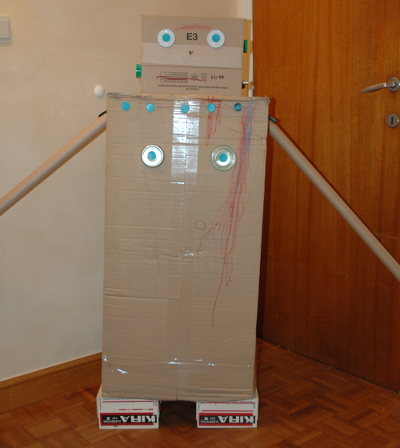
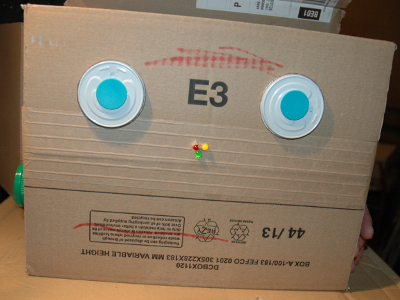
Le gamin de trois ans et demi et maman ont réalisé un robot en carton assemblé avec des Makedo. Ensuite, il a demandé à papa si son robot pouvait avoir des lumières, parler, et bouger. Je n’ai pas de quoi faire déplacer ce robot, mais j’ai réalisé le reste : un nez musical.
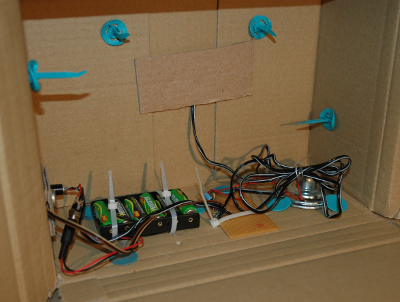
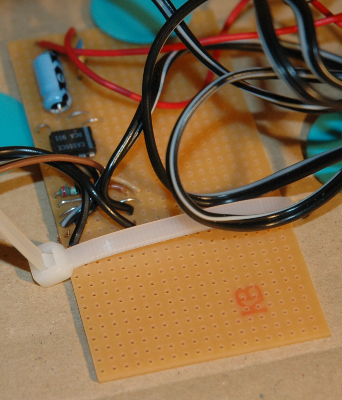
La réalisation consiste en 3 LEDs et un oscillateur à ondes rectangulaires piloté en tension (VCO) autour d’un 555. Tout le matériel utilisé est de récupération, hormis la plaque d’expérimentation.
Merci au site Sonelec-Musique pour ses tutoriaux très clairs en électronique, d’où j’ai tiré le calcul de la résistance pour les LEDs et le schéma pour le VCO basé sur 555
Vue d’ensemble de Robbie
Tête de Robbie
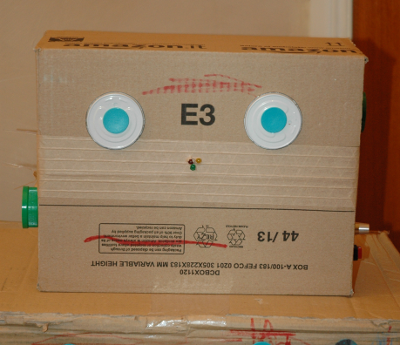
Le nez de Robbie qui s’allume
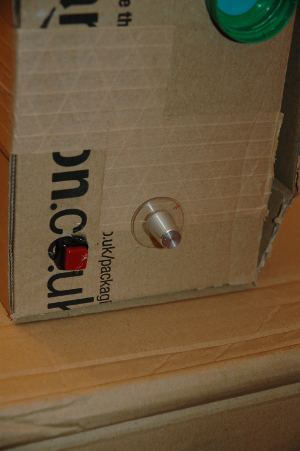
Les boutons de commande
L’intérieur de la tête
Le VCO à base de 555
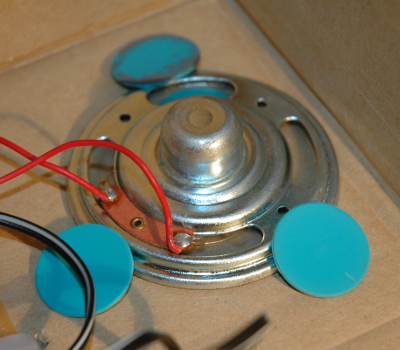
Le haut-parleur, fixé avec des Makedo
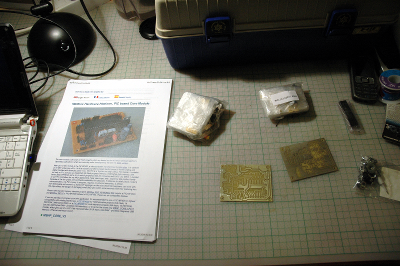
Voilà, toutes les pièces sont prêtes pour commencer à construire un MIDIbox SID:
Et au bout de la soirée, les composants du premier module (MBHP_CORE) sont soudés :
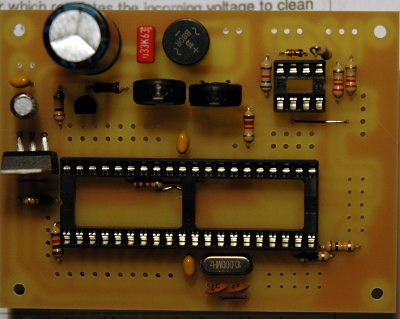
Demain, je soude les connecteurs d’alimentation, MIDI, et les “pins”, et ferai les premiers tests (mesures d’alimentation).
Categories
Nostalg33k
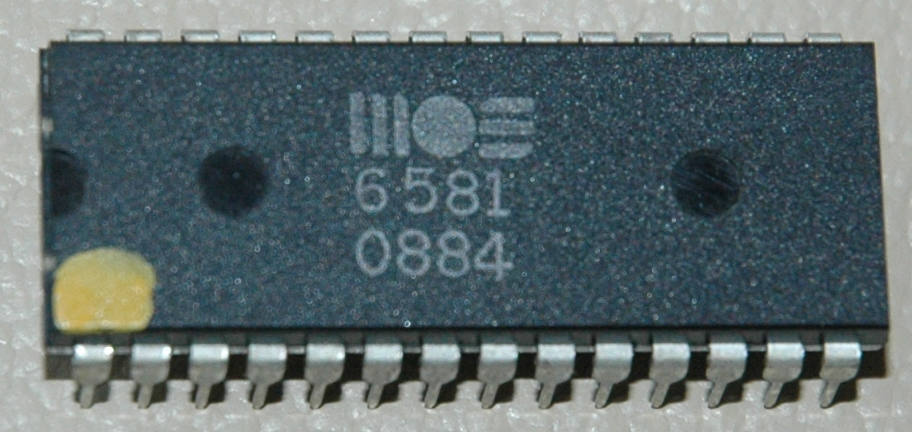
Ceci est la puce son du Commodore 64 (MOS SID), qui va être au coeur du prochain projet “Do It yourself”, basé sur un MIDIbox SID
Categories
PongDuino : le code-source
Bonjour,
Le code-source de mon projet PongDuino est disponible, sous la licence BSD : https://www.xaviermiller.be/up/arduino/pongduino-0.1.tar.xz